Workflows & Automation
The app ships with 23 automations that connect records end to end. This page explains the ones you'll touch daily, what triggers them, and what they do.
How workflows work in this app
Workflows are automations built on the ERP AI auto-builder. They listen for a trigger (a record created, a button pressed, a schedule) and then run a chain of nodes that read and write records. When you see a button in the app, like Complete Work Order or Convert to PO, it is usually wired to a workflow.
Core manufacturing workflows
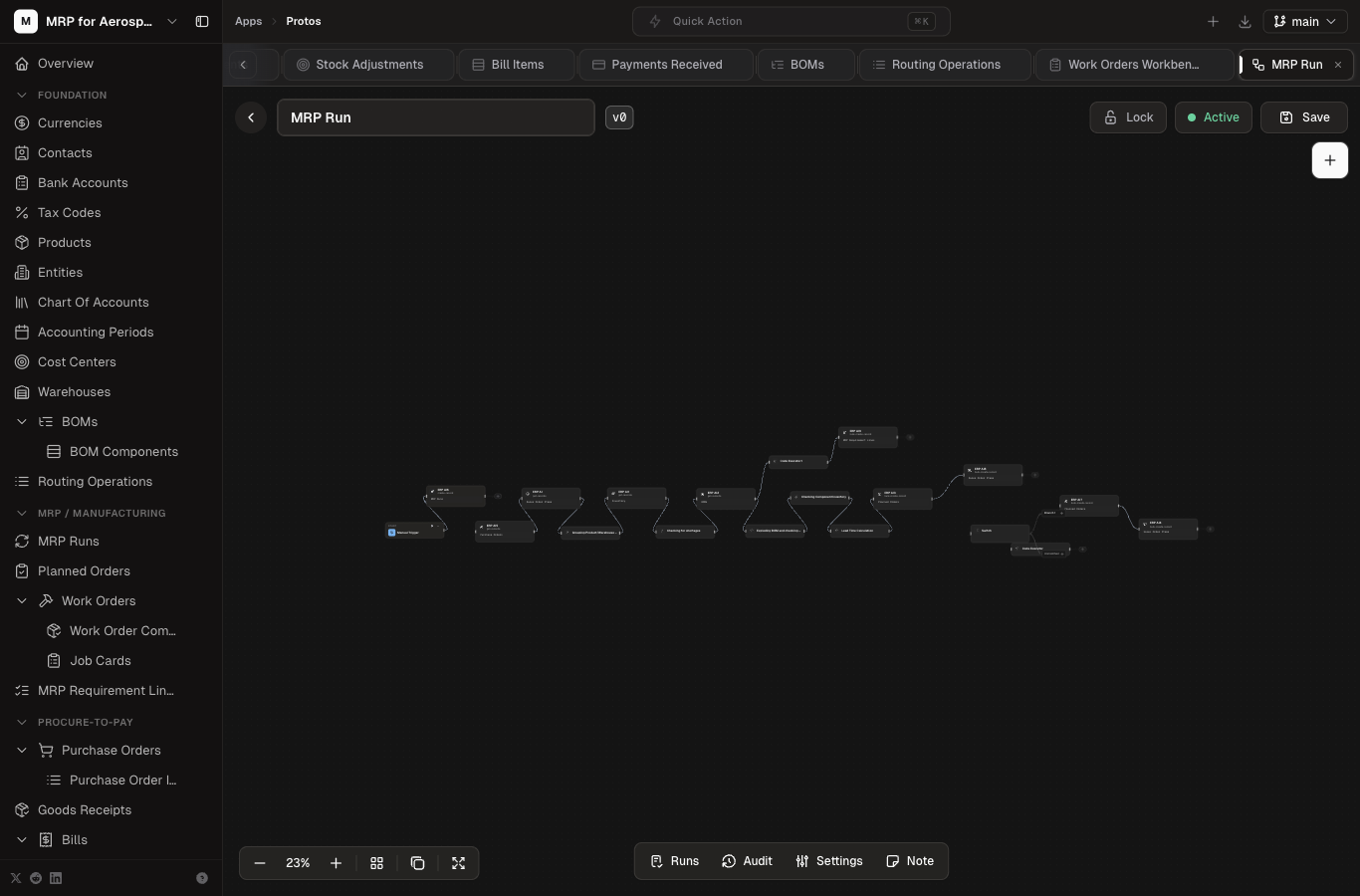
MRP Run
The planning engine. You start it from the MRP Run page (or the workflow screen). It:
- Reads demand from sales order items and open work orders.
- Nets against supply — on-hand inventory, open purchase orders, and planned orders.
- Writes MRP Requirement Lines with gross, on-hand, net, and planned release quantities and dates.
- Creates Planned Orders flagged as make (manufacture) or buy (purchase).
Convert Buy Planned Orders
Turns buy-type planned orders into purchase orders so procurement can source the material. Run this after an MRP run when you're ready to procure.
Open Convert Buy Planned Orders →
Convert Make Planned Orders
Converts make-type planned orders into work orders for the shop floor, pulling BOM components into the work order.
Open Convert Make Planned Orders →
WO-2 Issue Components
Issues the components of a work order from inventory (creates stock ledger entries and reduces on-hand). Run this when the shop floor starts consuming material.
WO-3 Complete Work Order
Completes a selected work order. It prevents duplicate completion, creates a completion stock ledger entry, adds finished-good quantity to inventory, marks the work order complete, and closes its components.
Open WO-3 Complete Work Order →
Job Cards Creation
Creates job cards from a work order's routing operations for labor reporting. Currently inactive — can be activated from the workflow screen.
Inventory workflows
| Workflow | Status | What it does |
|---|---|---|
| Inventory Reservation | Active | Reserves inventory for sales orders and work orders so allocation is visible before issue. |
| Stock Transfer to Ledger | Active | Records stock transfers between warehouses into the stock ledger. |
| Stock Adjustment to Ledger | Active | Posts stock adjustments (scrap, damage, count variance) to the ledger. |
| W20 · Inventory snapshot maintenance | Inactive | Scheduled snapshot of inventory balances for reporting. |
Order-to-Cash workflows
| Workflow | Status | What it does |
|---|---|---|
| W10 · Sales order approval routing | Active | Routes sales orders through approval based on amount or customer rules. |
| W12 · Shipment and COGS posting | Active | Posts shipment and cost of goods sold to the ledger when you ship. |
| Invoice Creation | Active | Generates customer invoices from shipment or order data. |
| W13 · AR invoice generation | Inactive | Alternate AR invoice generation flow (not currently enabled). |
| W14 · AR invoice posting | Active | Posts generated AR invoices into the general ledger. |
| W15 · Cash receipt application and posting | Active | Applies received payments to invoices and posts cash. |
| W16 · Invoice payment status sync | Inactive | Syncs payment status back to invoices (not currently enabled). |
Procure-to-Pay workflows
| Workflow | Status | What it does |
|---|---|---|
| W31 · Goods receipt + QC routing + GR-IR posting | Active | Receives goods, routes to quality control, and posts GR-IR (goods receipt / invoice receipt) to the ledger. |
| W31 — Goods Receipt posting - New | Inactive | Newer goods receipt posting variant (not currently enabled). |
| GR to Inventory and Journal | Inactive | Alternate goods receipt to inventory and journal flow. |
| W33 · Bill approval routing + posting | Active | Routes supplier bills through approval and posts them. |
| W35 · Vendor payment + posting | Active | Pays supplier bills and posts the payment. |
| W42 · Tax filing posting | Inactive | Posts tax filing entries (not currently enabled). |
Running a workflow manually
- Open the workflow from the Workflows list in the app sidebar.
- Check the trigger — button workflows run from a record or page button; manual triggers have a Run button on the workflow screen.
- Press Run (or the record button) and watch the execution log.
- Verify the result — for example, after WO-3, check the work order status and the new inventory quantity.