Reference
Data Model
The 39 core tables behind the app, grouped by domain, and how they relate to one another.
How the tables connect
The app is built on a classic ERP structure. Foundation records (companies, products, warehouses, chart of accounts) anchor everything else. Transactions hang off orders, and every inventory and financial movement is recorded in a ledger.
Tables by domain
Foundation
| Table | Description |
|---|---|
| Entities | Legal entities and companies that anchor financial and operational records. |
| Contacts | People associated with customers and suppliers. |
| Products | Raw materials, components, and finished goods. SKU, unit of measure, compliance fields. |
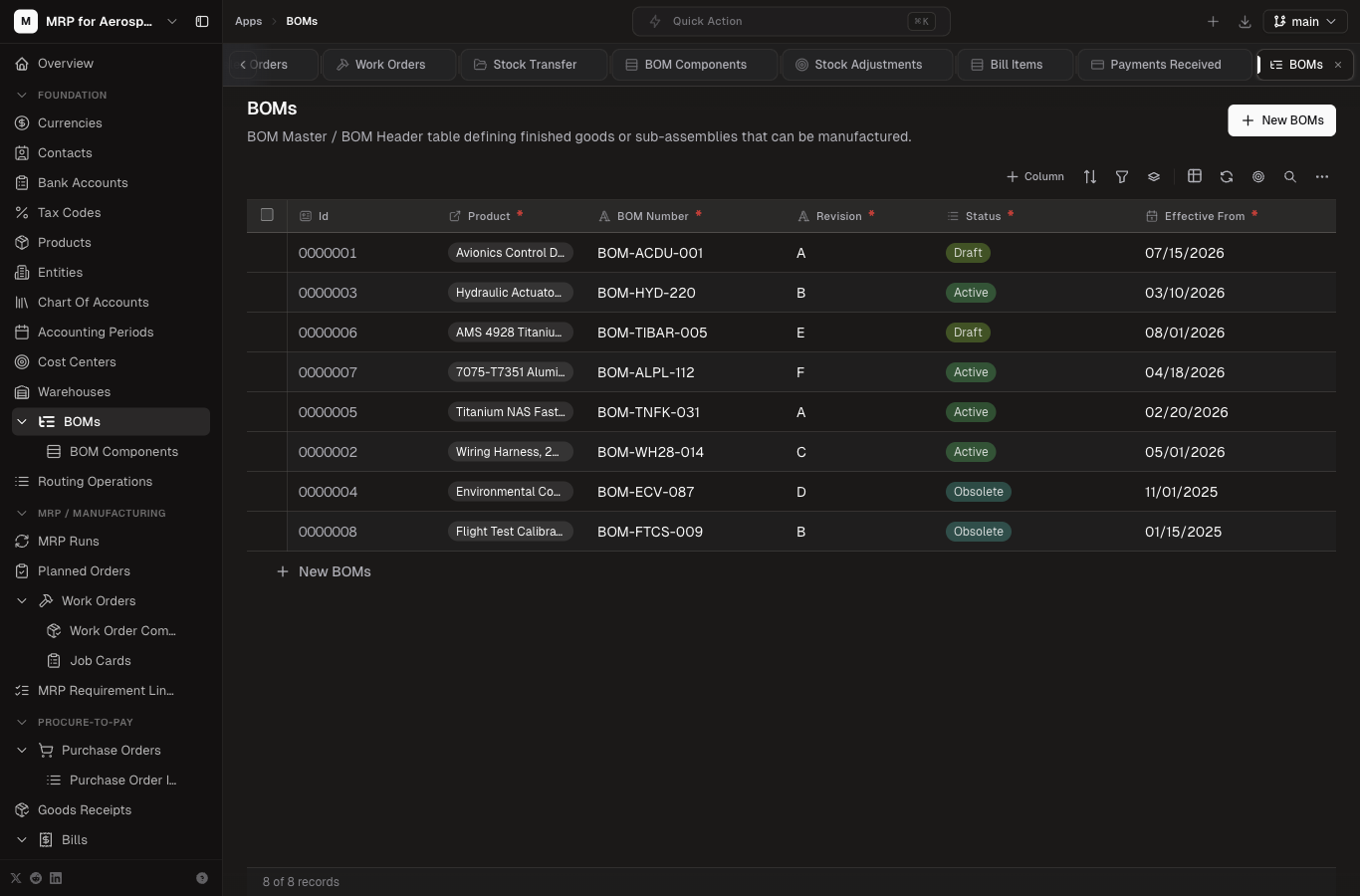
| BOMs | Bills of material — the parent product and its structure. |
| BOM Components | Lines within a BOM: component product, quantity, scrap, reference. |
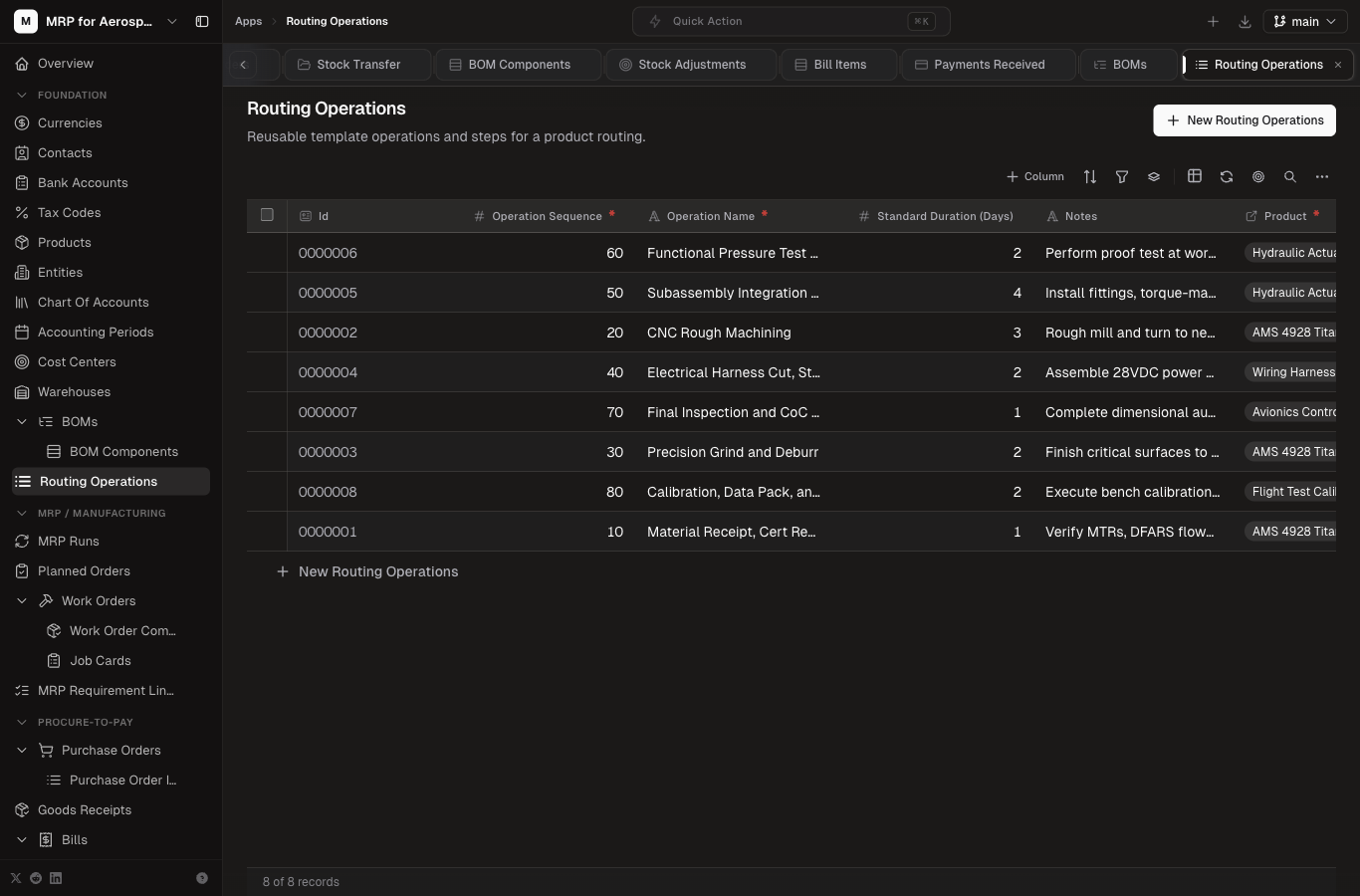
| Routing Operations | Operations (machining, inspection, assembly) with labor/machine standards. |
| Warehouses | Storage locations for inventory. |
| Currencies | Currency codes used for pricing and multi-currency support. |
| Tax Codes | Tax rates applied to orders and invoices. |
| Chart Of Accounts | The general ledger account list. |
| Cost Centers | Cost allocation groupings for manufacturing and overhead. |
| Accounting Periods | Open/closed posting periods for financial control. |
| Bank Accounts | Bank accounts used for payments and reconciliation. |
MRP / Manufacturing
| Table | Description |
|---|---|
| MRP Runs | A planning run: when it ran, horizon, output status. |
| MRP Requirement Lines | Net requirements generated by an MRP run (gross, on-hand, net, planned release). |
| Planned Orders | Suggested make/buy orders from MRP, ready to convert. |
| Work Orders | Manufacturing orders to build a product: status, qty, dates. |
| Work Order Components | Material requirements for a work order (picked from BOM). |
| Job Cards | Labor/operation records against a work order for shop floor reporting. |
Order-to-Cash
| Table | Description |
|---|---|
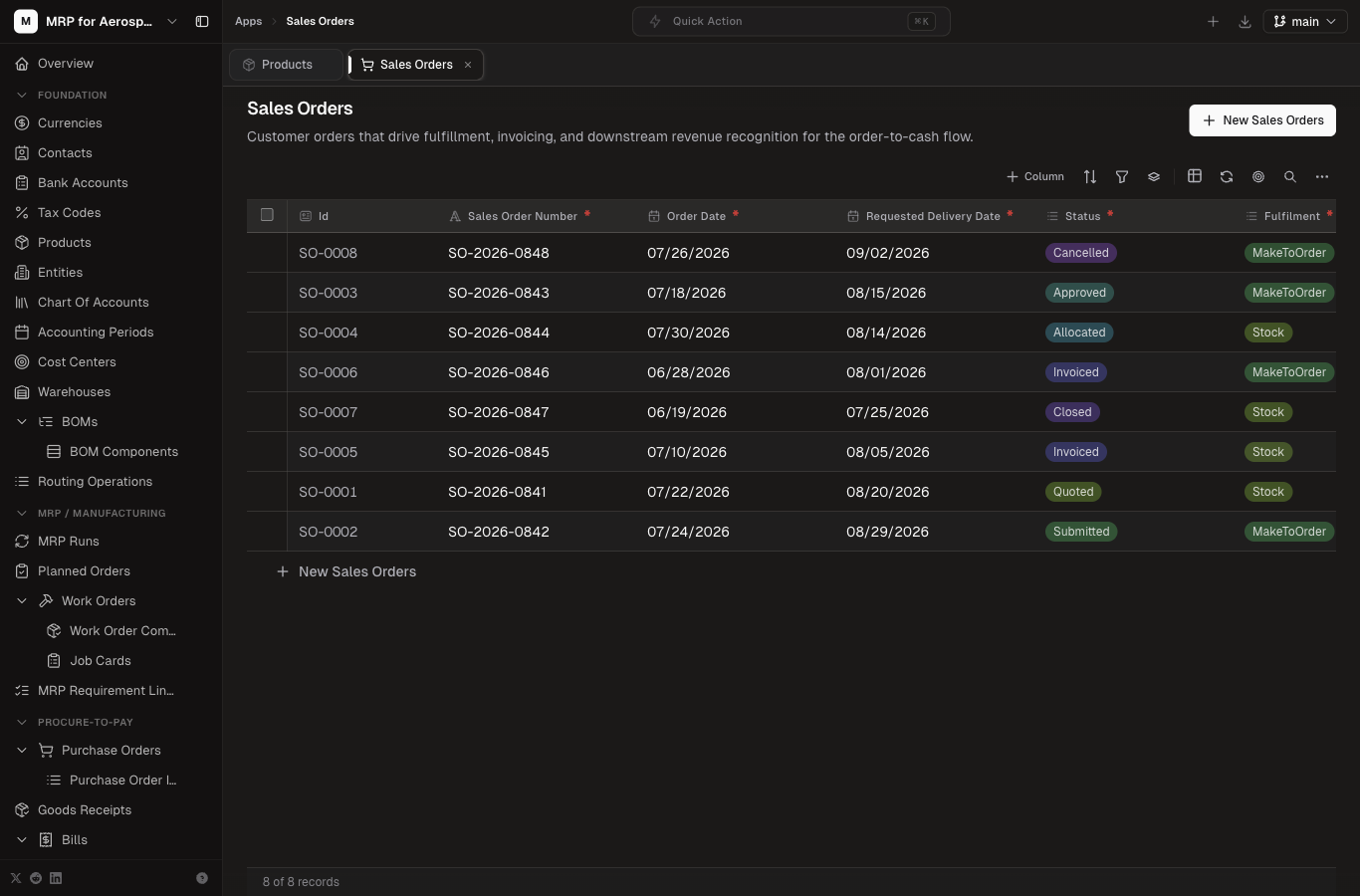
| Sales Orders | Customer demand captured from a sales order header. |
| Sales Order Items | Line items: product, qty, price, promised date. |
| Shipments | Outbound shipments (ASN) to customers. |
| Shipment Items | Lines shipped, with product, qty, warehouse, lot. |
| Invoices | Customer invoices raised from shipments or orders. |
| Invoice Items | Invoice lines with product, qty, price, tax. |
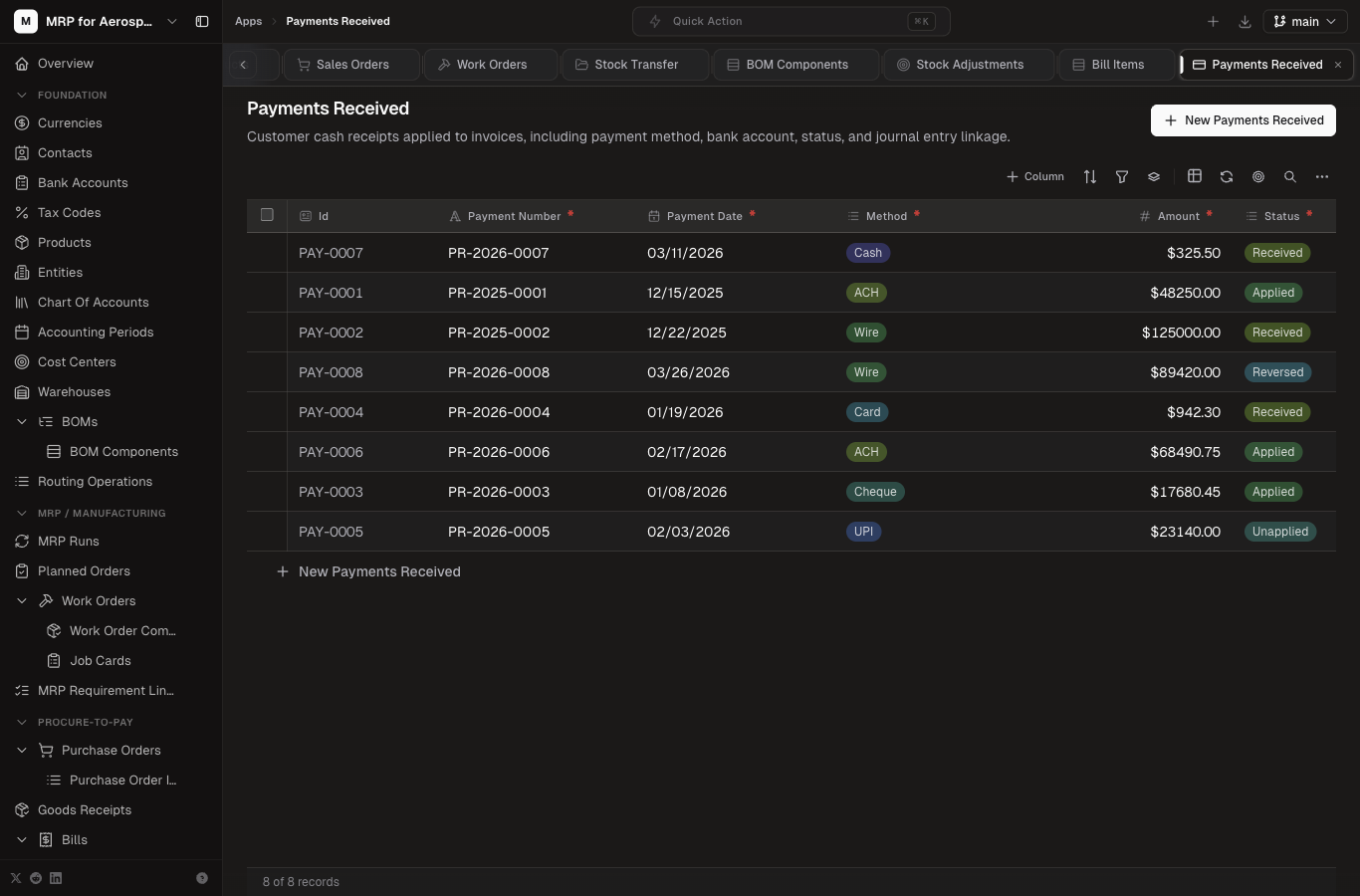
| Payments Received | Customer payments applied to invoices. |
Procure-to-Pay
| Table | Description |
|---|---|
| Purchase Orders | Orders to suppliers for certified materials. |
| Purchase Order Items | PO lines: product, qty, price, promised date. |
| Goods Receipts | Receipt of material into inventory against a PO. |
| Bills | Supplier invoices received from vendors. |
| Bill Items | Supplier bill lines. |
| Payments Made | Payments issued to suppliers. |
Inventory & Warehouse
| Table | Description |
|---|---|
| Inventory | On-hand stock by product and warehouse, with batch/lot and certificate references. |
| Stock Ledger | Every movement in/out of inventory (receipt, issue, transfer, adjustment, completion). |
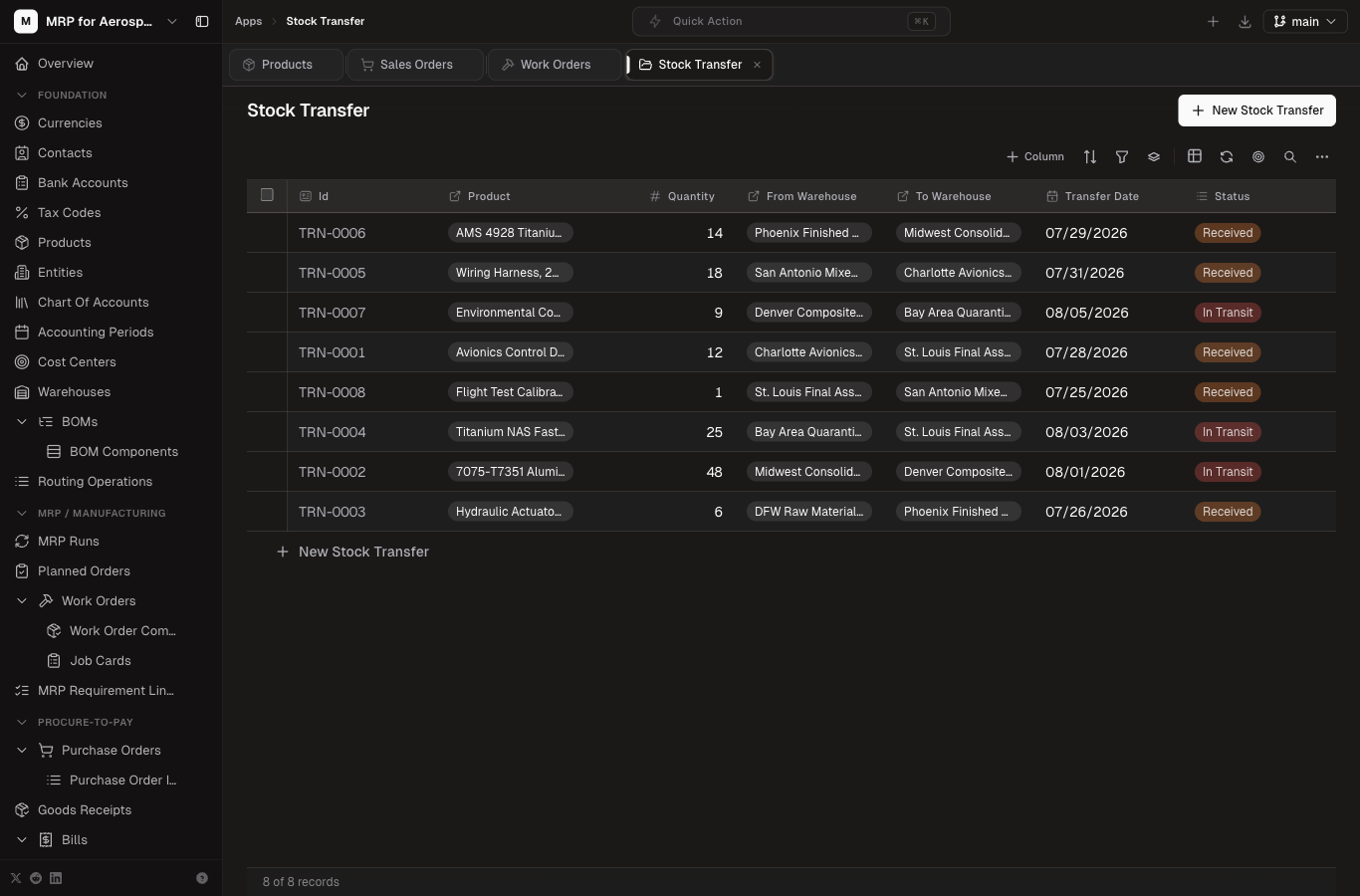
| Stock Transfer | Movement of stock between warehouses. |
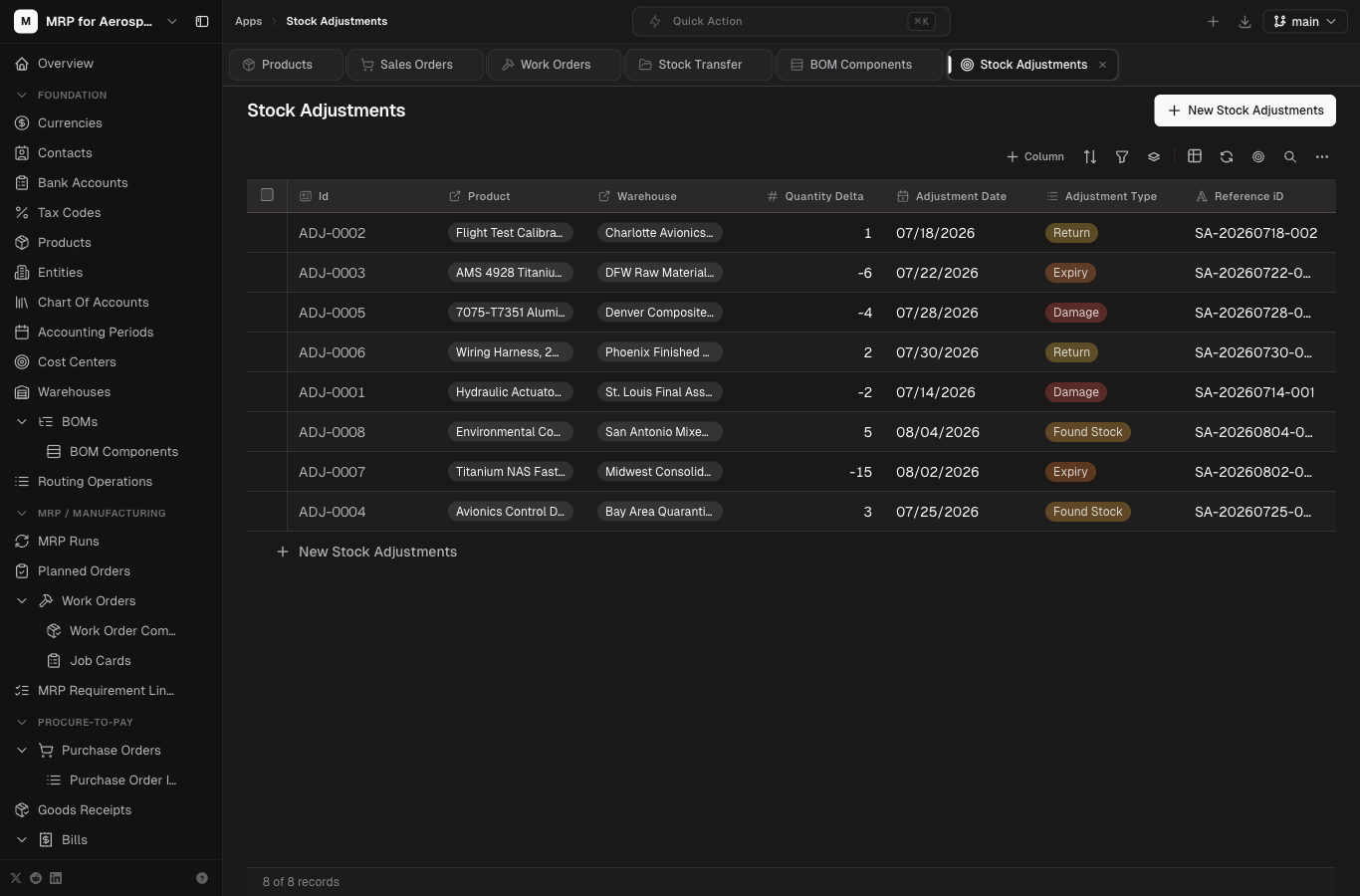
| Stock Adjustments | Manual corrections (damage, count variance, scrap). |
Finance Core
| Table | Description |
|---|---|
| Journal Entries | Double-entry postings across the ledger. |
| Journal Entry Lines | Debit/credit lines within a journal entry. |
Key screens in the app
Here are the core screens you'll work in, captured from the live app.
📦
Products
Item and service catalog.
📐
BOMs
Bill of material structure.
🔧
Routing Operations
Operation and labor standards.
📦
Inventory
On-hand stock by warehouse.
🤝
Sales Orders
Customer demand captured.
🧾
Purchase Orders
Supplier orders for material.
🚚
Shipments
Outbound shipments to customers.
💳
Payments Received
Customer payments applied.
Key relationships
- Sales Order → MRP: sales order items drive demand. The MRP Run workflow nets on-hand stock against demand and creates planned orders and work orders.
- BOM → Work Order: when a work order is released, its components are pulled from the parent product's BOM into Work Order Components.
- Work Order → Inventory: completing a work order creates a stock ledger entry and updates finished-good inventory (see the "Complete Work Order" workflow).
- Purchase Order → Goods Receipt → Inventory: receiving a PO creates a goods receipt and a stock ledger entry that increases on-hand inventory.
- Shipment → Inventory: shipping reduces on-hand inventory and records a stock ledger movement.
- Orders/Receipts → Finance: invoicing and bills flow into journal entries for the general ledger.
💡
TraceabilityFor aerospace and defense work, the Inventory table carries lot/batch and certificate references, and Products carry ITAR/DFARS/AS9100 flags. Keep these fields populated so every unit is traceable from receipt to shipment.